

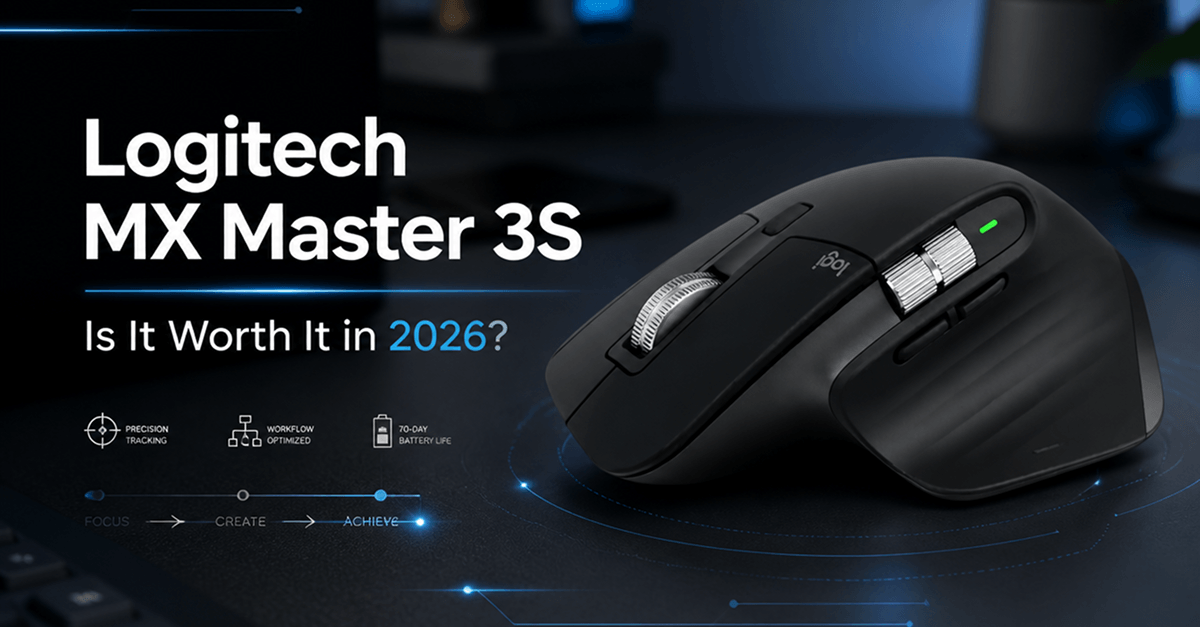
The Logitech MX Master series has become one of the most recognizable productivity mouse lineups on the market. Whether you’re a remote worker, content creator, designer, programmer, or office professional, chances are you’ve encountered recommendations for the MX Master 3S.
But with premium pricing and growing competition from other brands, is the Logitech MX Master 3S still worth buying in 2026?
After examining its design, performance, features, and everyday usability, the answer largely depends on how much time you spend working at a computer.
Overview

The Logitech MX Master 3S is a wireless productivity mouse designed for professional users. Unlike gaming mice that focus primarily on speed and RGB lighting, the MX Master 3S emphasizes comfort, workflow efficiency, and multi-device functionality.
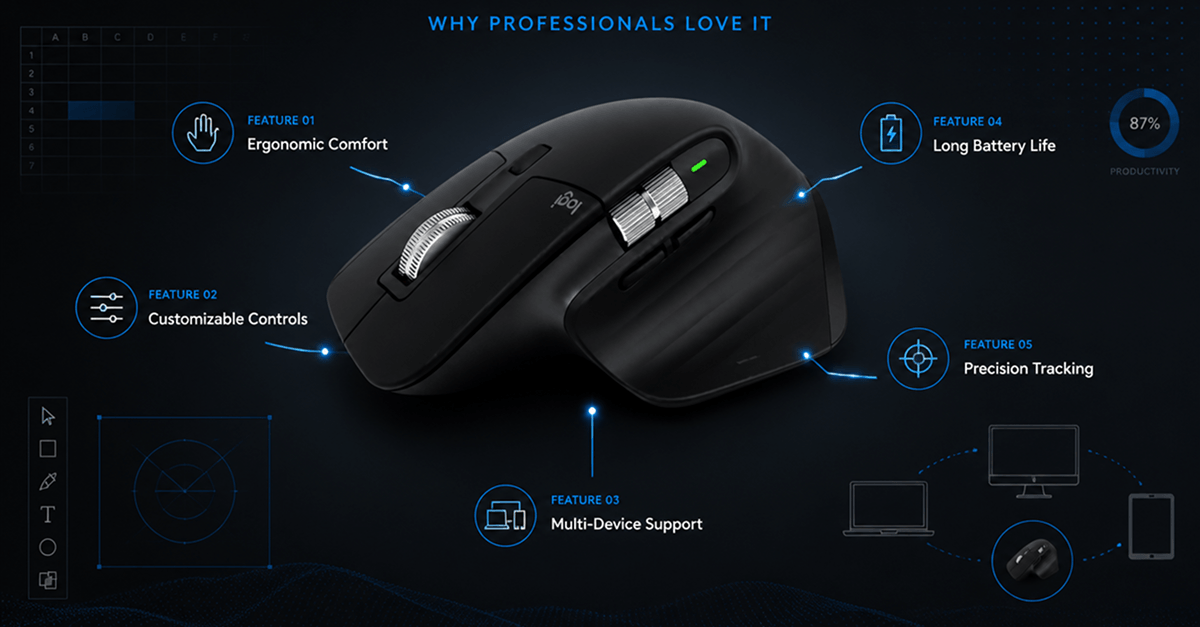
Its ergonomic shape, customizable controls, and advanced tracking capabilities have made it a favorite among professionals who spend several hours each day using a mouse.
Design and Comfort
One of the strongest aspects of the MX Master 3S is its design.
The sculpted shape supports the hand naturally and helps reduce fatigue during long work sessions. The thumb rest, textured surfaces, and carefully positioned buttons contribute to a comfortable experience that many users immediately notice.
For users who spend eight or more hours per day working at a computer, comfort alone can justify the premium price.
The mouse is not particularly compact, however. Users with smaller hands or those who frequently travel may find it larger than some alternatives.
What We Liked
- Comfortable ergonomic shape
- Premium build quality
- Excellent materials
- Well-positioned controls
Potential Drawbacks
- Large size may not suit everyone
- Less portable than compact mice
Performance and Tracking
The MX Master 3S uses Logitech’s advanced optical tracking technology, allowing it to perform well on a variety of surfaces.
Tracking feels smooth and precise during everyday tasks such as:
- Document editing
- Spreadsheet work
- Graphic design
- Video editing
- Web browsing
While it is not designed as a competitive gaming mouse, performance is more than sufficient for productivity-focused users.
The cursor movement feels responsive and accurate, which contributes to an overall premium experience.
Buttons and Customization
Customization is one of the MX Master 3S’s greatest strengths.
The mouse includes several programmable buttons that can be assigned to specific commands, shortcuts, or workflow actions.
Examples include:
- Browser navigation
- Copy and paste functions
- Application switching
- Zoom controls
- Media controls
For users working across multiple software applications, these customizations can improve efficiency and reduce repetitive actions.
The thumb wheel is particularly useful for horizontal scrolling in spreadsheets and creative applications.
Multi-Device Support
One feature that continues to distinguish the MX Master series is multi-device connectivity.
Users can pair the mouse with multiple devices and switch between them with a dedicated button.
This is particularly useful for:
- Laptop and desktop users
- Hybrid work setups
- Multi-computer workflows
Professionals who frequently move between devices often find this feature more valuable than expected.
Battery Life
Battery performance remains one of the mouse’s strongest practical advantages.
Under normal use, the MX Master 3S can operate for extended periods before requiring a recharge.
USB-C charging simplifies the process and aligns with the charging standards used by many modern devices.
For most users, battery life is unlikely to be a concern.
Who Should Buy It?
The MX Master 3S is best suited for:
- Remote workers
- Office professionals
- Programmers
- Designers
- Content creators
- Business users
Its focus on comfort and productivity makes it especially appealing to users who spend long hours working at a desk.
Who May Want Alternatives?
The MX Master 3S may not be the ideal choice for:
- Competitive gamers
- Users seeking a lightweight mouse
- Buyers with limited budgets
- Frequent travelers needing compact accessories
In these situations, other mice may offer a better fit.
Pros and Cons
Pros
- Excellent ergonomics
- Premium construction
- Customizable controls
- Multi-device support
- Long battery life
- Reliable performance
Cons
- Premium price
- Large size
- Not designed for competitive gaming
Final Verdict
The Logitech MX Master 3S remains one of the best productivity mice available in 2026. Its ergonomic design, workflow-focused features, customization options, and dependable performance make it a compelling choice for professionals who spend significant time at a computer.
While the price may be higher than many alternatives, the comfort and productivity benefits can easily justify the investment for daily users.
If your primary goal is work rather than gaming, the MX Master 3S continues to be one of the strongest wireless mouse recommendations on the market.
Amazon Product Link: [https://www.amazon.com/dp/B0G2SG3NFT]