
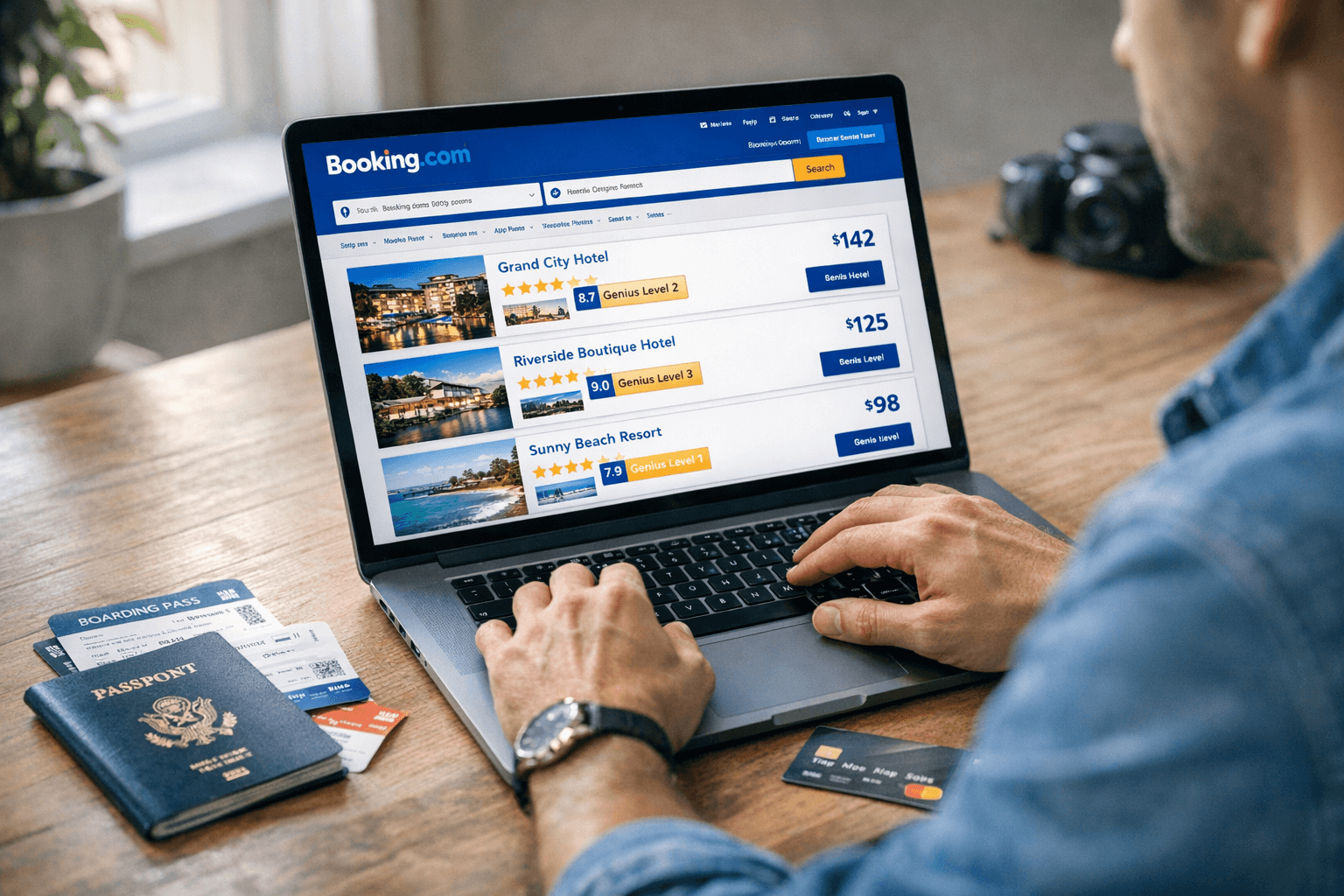
Millions of travelers use Booking.com every year to reserve hotels, apartments, flights, and rental cars. But is Booking.com actually safe? Are there hidden fees? And is it cheaper than booking directly with hotels in 2026?
In this complete, updated guide, we’ll break down how Booking.com works, whether it’s legit, how pricing really works (including taxes and fees), what the Genius loyalty program offers, and how it compares to competitors like Expedia and Airbnb. By the end, you’ll know whether it’s the right platform for your next trip.
What Is Booking.com & How Does It Work?
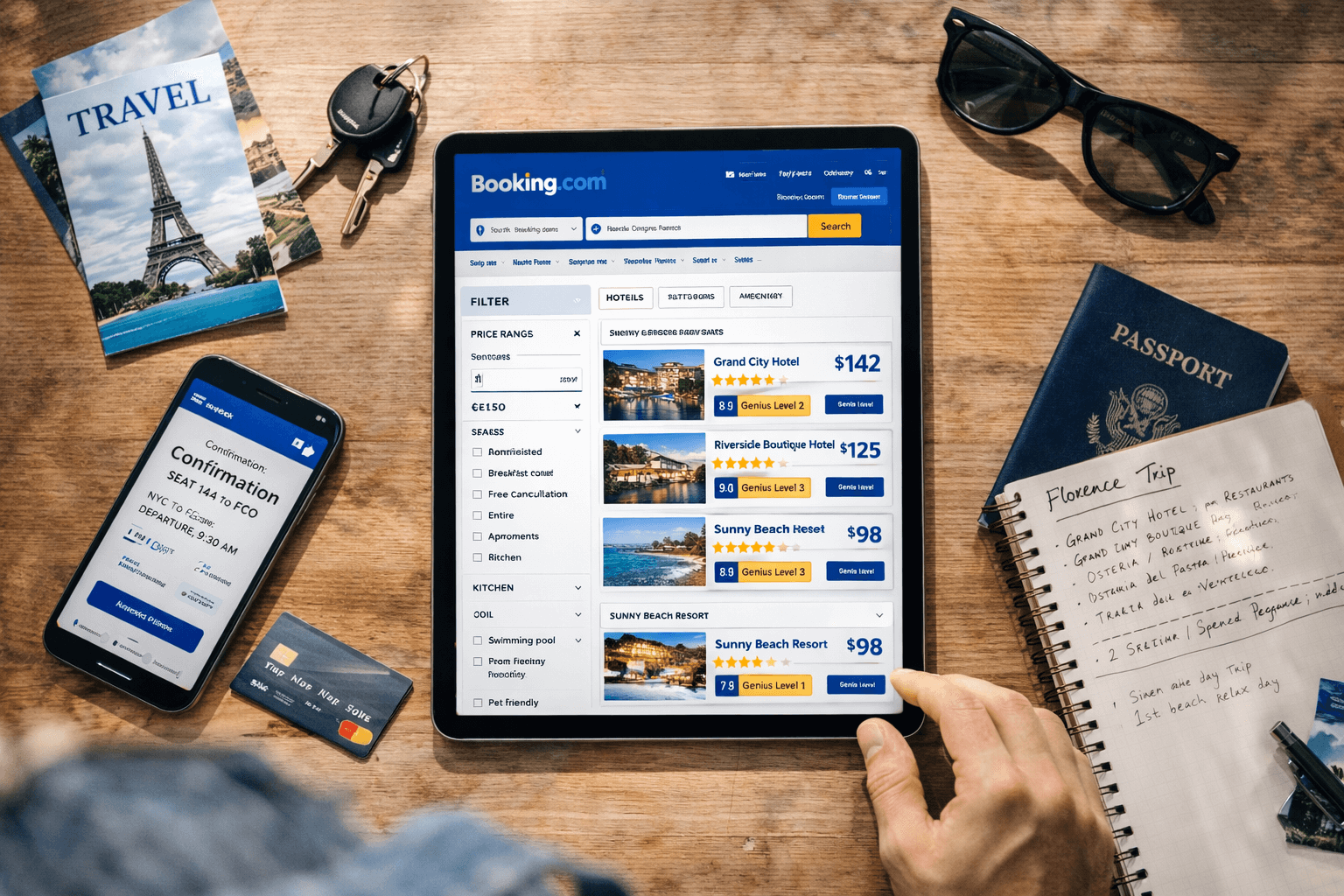
Booking.com is one of the world’s largest online travel agencies (OTAs). It connects travelers with:
- Hotels
- Resorts
- Apartments
- Vacation rentals
- Flights
- Car rentals
- Airport taxis
- Travel experiences
It’s owned by Booking Holdings, the same parent company behind Priceline and Kayak.
How the Platform Works
Booking.com operates as a marketplace. Hotels and property owners list their rooms, and Booking.com earns a commission when someone makes a reservation.
Here’s the typical process:
- You search for a destination and dates.
- You filter by price, rating, amenities, or location.
- You compare listings and read verified guest reviews.
- You book either:
- Pay now online, or
- Pay at property (depending on the listing)
In most cases, Booking.com does not own the properties — it simply facilitates the reservation.
Is Booking.com Legit and Safe?
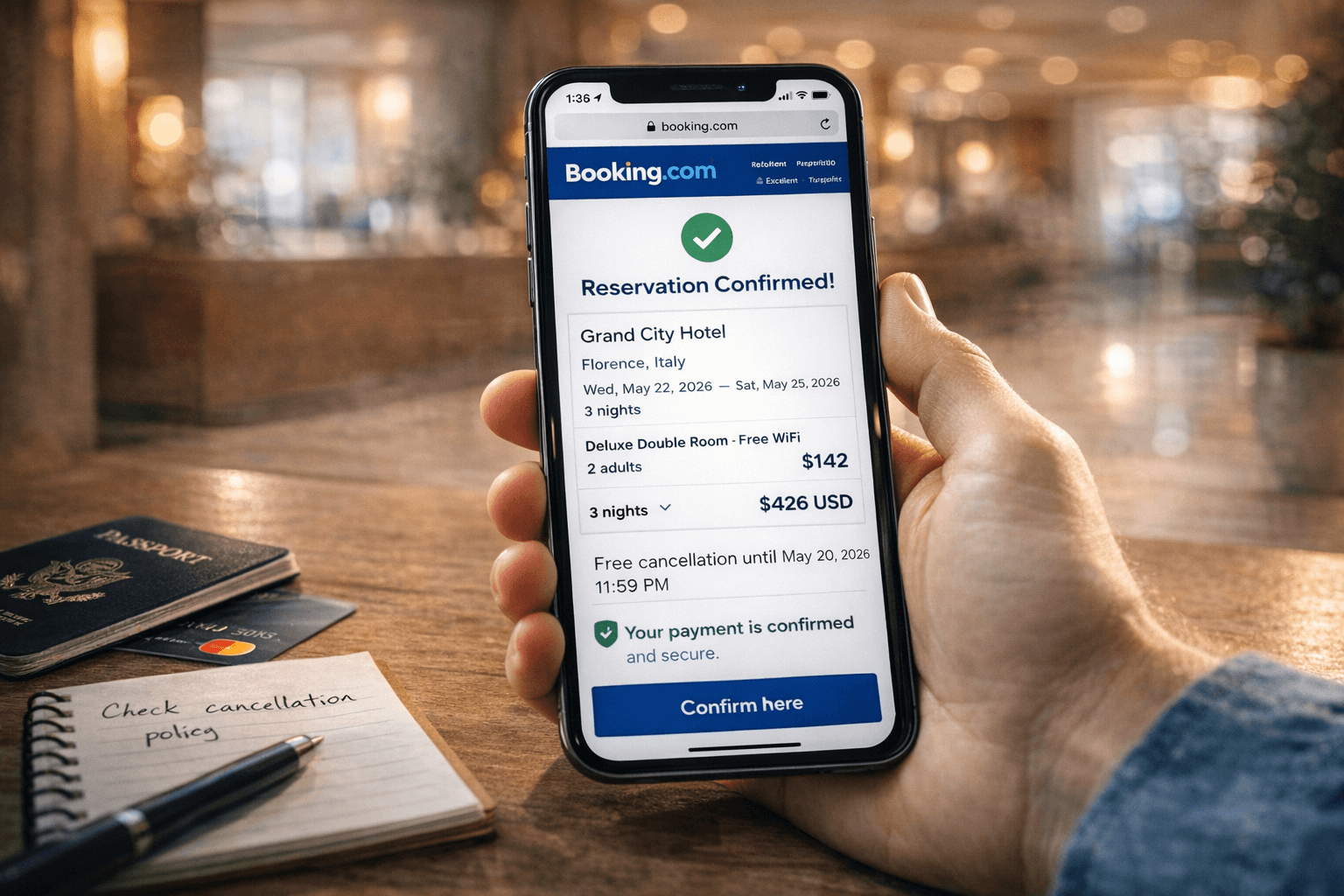
Yes — Booking.com is a legitimate travel booking platform that has been operating since 1996 and serves millions of customers globally.
Why It’s Safe
- Secure encrypted payment processing
- Verified guest reviews from real stays
- Transparent cancellation policies
- Global customer service network
You can view customer sentiment on platforms like Trustpilot to see a wide range of user experiences.
Where Issues Can Happen
Like all large marketplaces, problems usually arise from:
- Miscommunication with the hotel
- Strict cancellation policies
- Currency conversion misunderstandings
- Third-party payment processing delays
Booking.com itself is not a scam, but individual properties may have different rules — so always read the fine print.
Tip: Always review cancellation terms before confirming your reservation.
Booking.com Pricing Explained (Are There Hidden Fees?)
One of the biggest questions travelers ask is:
Does Booking.com charge hidden fees?
Here’s how pricing typically works.
What You See First
The initial price usually includes:
- Nightly rate
- Some taxes (varies by country)
However, additional charges may apply:
- Local city or tourism taxes (paid at property)
- Cleaning fees (for apartments)
- Resort fees (in certain destinations)
- Currency exchange markups
You can review official payment and pricing explanations in the Booking.com Help Center.
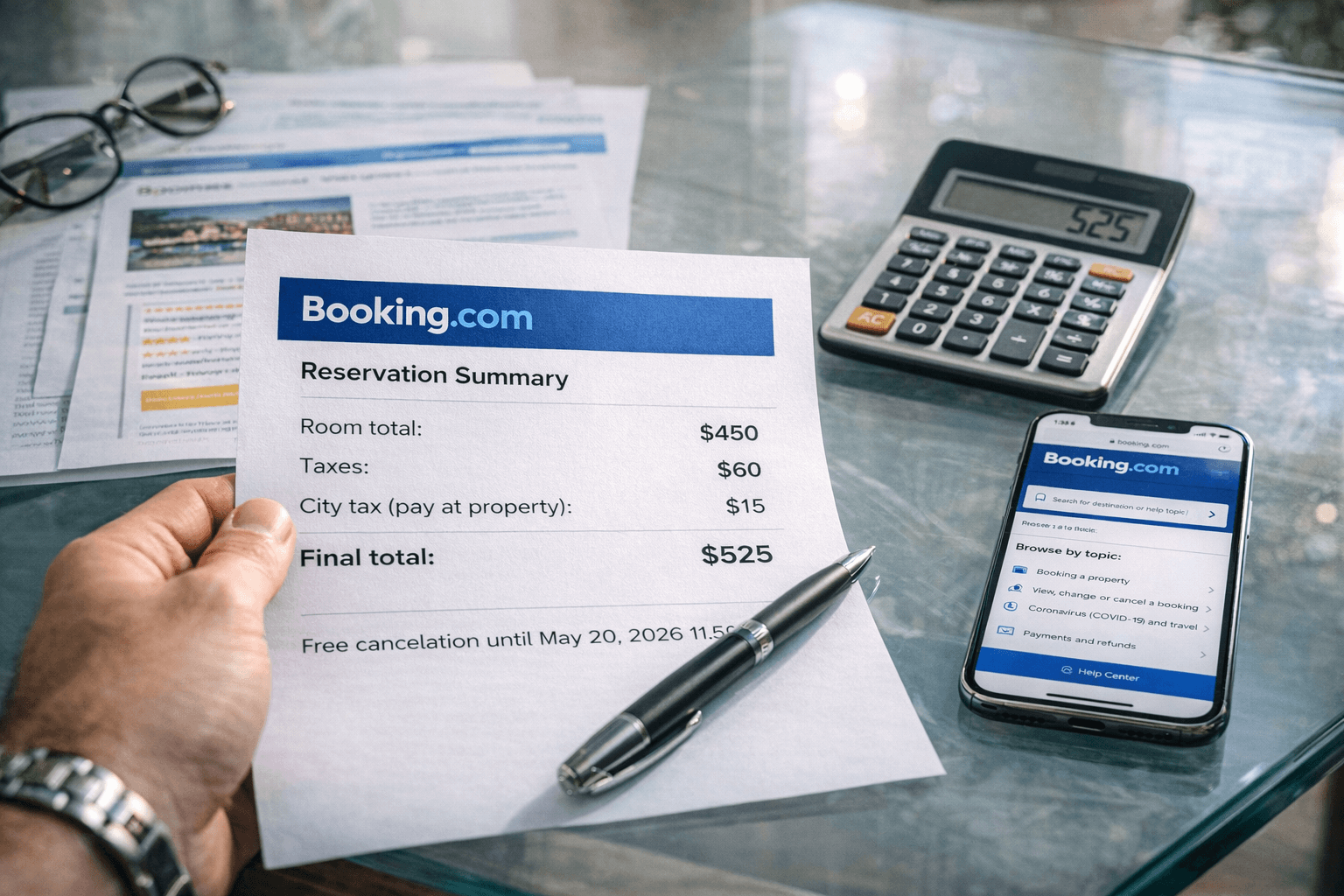
Example Breakdown
If a hotel shows:
- $150 per night x 3 nights = $450
At checkout, it might become:
- $450 room total
- $60 taxes
- $15 city tax at property
Final cost: $525
This isn’t necessarily “hidden” — but it’s often displayed in smaller detail sections.
Pro Tip: Toggle “Show final price” filters when available.
Booking.com Genius Program Explained (2026 Update)
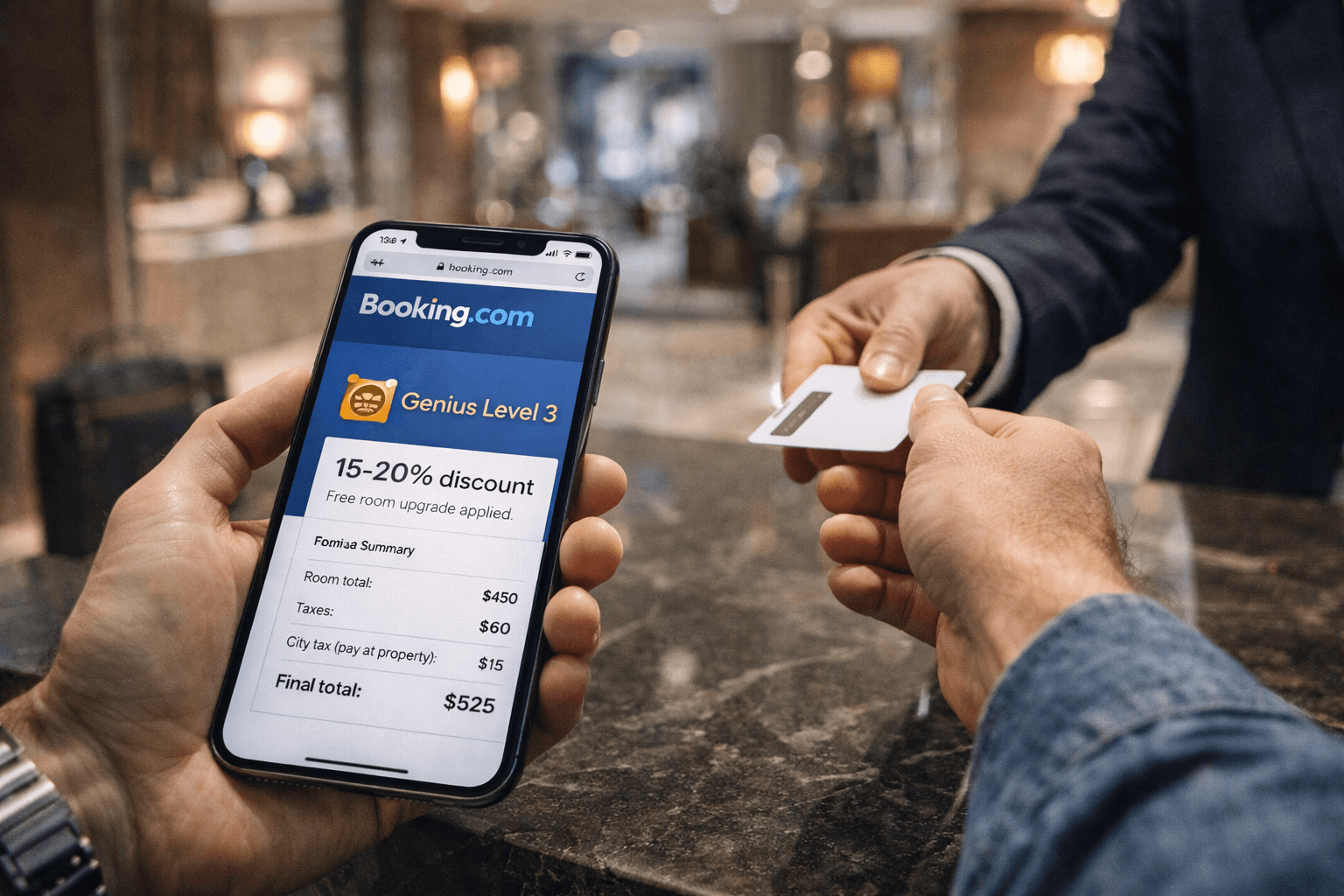
The Genius loyalty program rewards repeat users with automatic discounts and perks.
Genius Levels
Level 1
- 10% discount on select properties
Level 2
- 10–15% discounts
- Free breakfast (select stays)
- Free room upgrades (when available)
Level 3
- 15–20% discounts
- Priority customer service
- Additional perks
To qualify, you must complete a certain number of stays within two years.
The Genius program can sometimes make Booking.com cheaper than booking directly — but not always. Always compare prices.
How to Use Booking.com (Step-by-Step Guide)
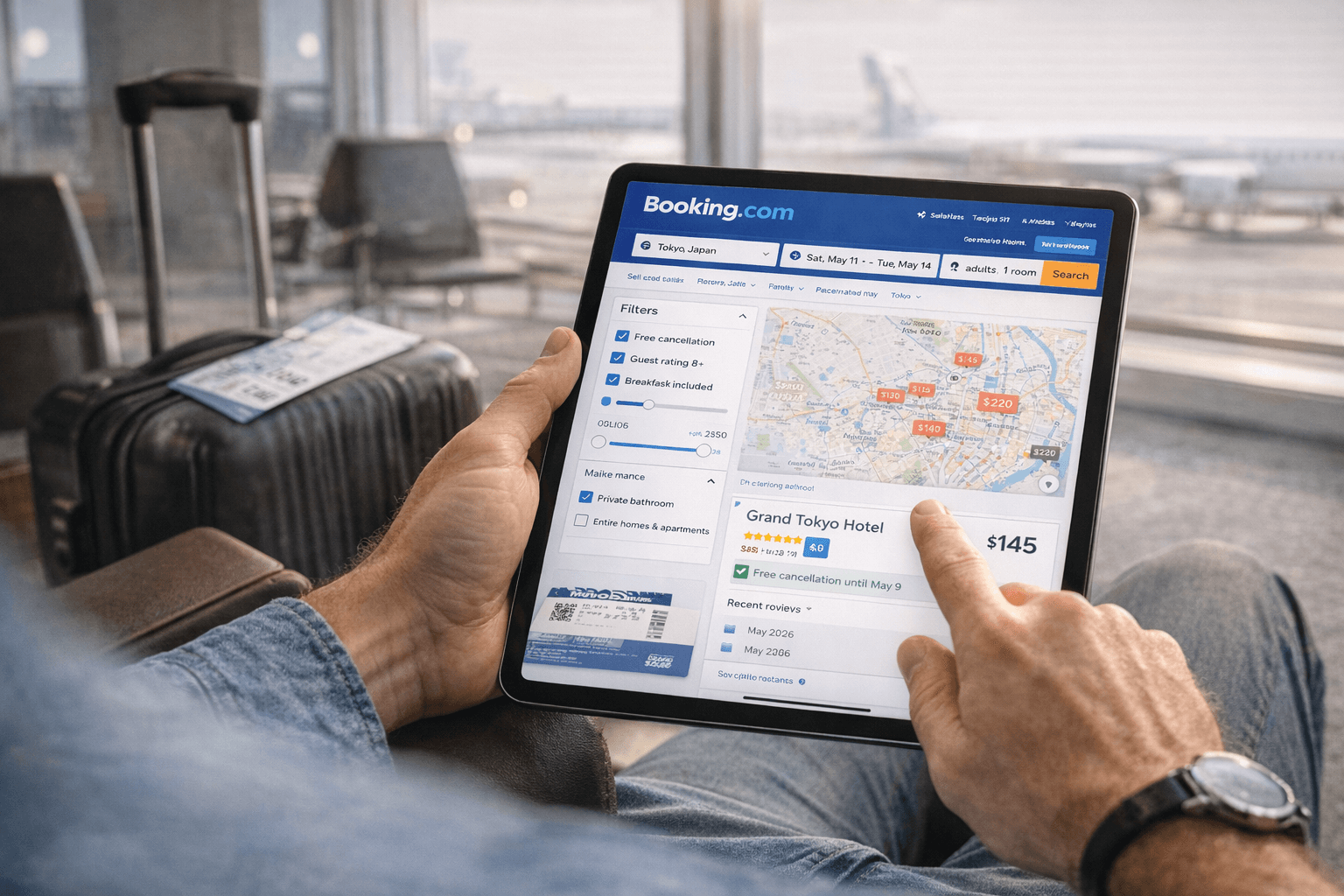
If you’re new to Booking.com, here’s how to book safely:
Step 1: Search Smart
Enter destination, dates, and guests. Use map view for location accuracy.
Step 2: Filter Carefully
Filter by:
- Free cancellation
- Guest rating 8+
- Breakfast included
- Price range
Step 3: Compare Policies
Click into listings and check:
- Cancellation deadline
- Prepayment requirements
- Extra fees
Step 4: Review Guest Feedback
Look for recent reviews within the past 6 months.
Step 5: Confirm & Save
Download your confirmation email and check hotel policies directly if needed.
Who Should Use Booking.com?
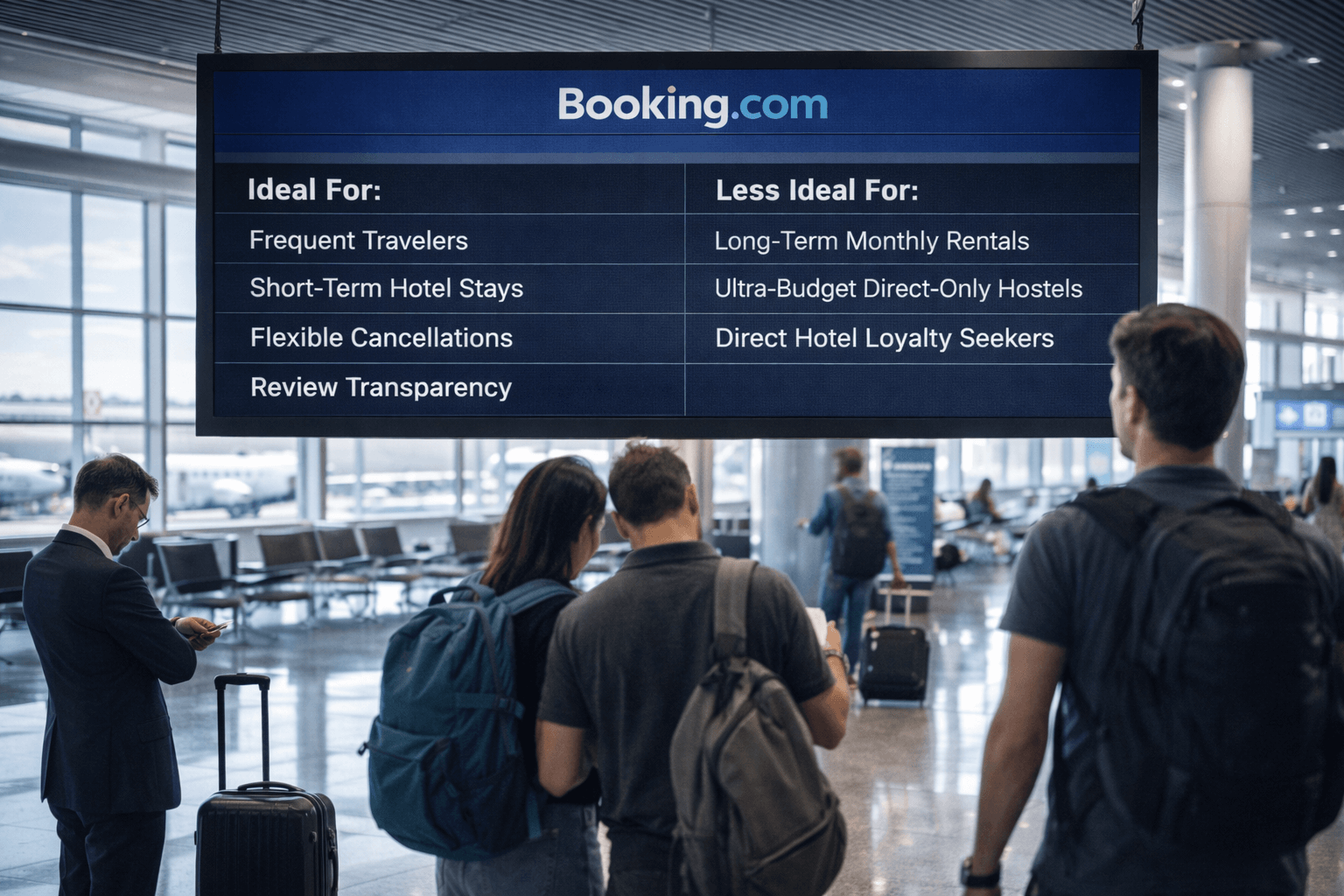
Booking.com is ideal for:
- Frequent travelers
- Short-term hotel stays
- People who value review transparency
- Travelers needing flexible cancellations
It may not be ideal for:
- Long-term monthly rentals
- Ultra-budget hostels with direct-only pricing
- Travelers who want direct hotel loyalty benefits
Final Verdict: Is Booking.com Worth It in 2026?

Yes — Booking.com is a legitimate and safe travel booking platform with a huge selection of properties worldwide.
Its biggest strengths are:
- Inventory size
- Verified reviews
- Flexible cancellation filters
- Genius discounts
Its biggest weaknesses:
- Inconsistent customer service
- Price breakdown transparency
Bottom Line
Booking.com is worth using — but always:
- Compare final prices
- Read cancellation terms carefully
- Check direct hotel pricing before confirming
For most travelers, it remains one of the most convenient hotel booking platforms available.
Shop Now