
Expecting a baby comes with dozens of decisions, and one of the most important early steps is creating a baby registry. Many parents today choose Babylist, a universal baby registry that lets you add items from almost any store in one place. Instead of limiting your registry to a single retailer, Babylist allows friends and family to purchase gifts from multiple stores while still keeping everything organized in one registry.
In this complete Babylist guide, you’ll learn exactly how Babylist works, its best features, pros and cons, and how to create your own registry step-by-step. If you’re deciding whether Babylist is the right registry platform for you, this article will help you understand everything you need to know before getting started.
What Is Babylist?

Babylist is a universal baby registry platform that allows expecting parents to add products from any online retailer into a single registry. Instead of creating separate registries at different stores like Amazon, Target, or Walmart, Babylist acts as a central hub where all desired baby products can be organized in one place.
The platform launched in 2011 and has become one of the most popular registry options for modern parents. Millions of families use Babylist each year because it offers flexibility that traditional store registries do not.
Unlike single-store registries, Babylist allows users to:
- Add items from any website
- Compare prices across multiple retailers
- Accept group gifts or cash funds
- Share one registry link with friends and family
- Track purchased gifts in one dashboard
Guests can choose where to buy a product, often selecting the store with the best price or fastest shipping.
Because of this flexibility, Babylist has become especially popular with parents who prefer online shopping and price comparisons.
You can explore the official platform here:
https://www.babylist.com/
How Babylist Works
Babylist is designed to simplify the baby registry process. The platform works by allowing parents to collect products from multiple retailers and manage them through a single registry page.
Here’s how the process typically works.
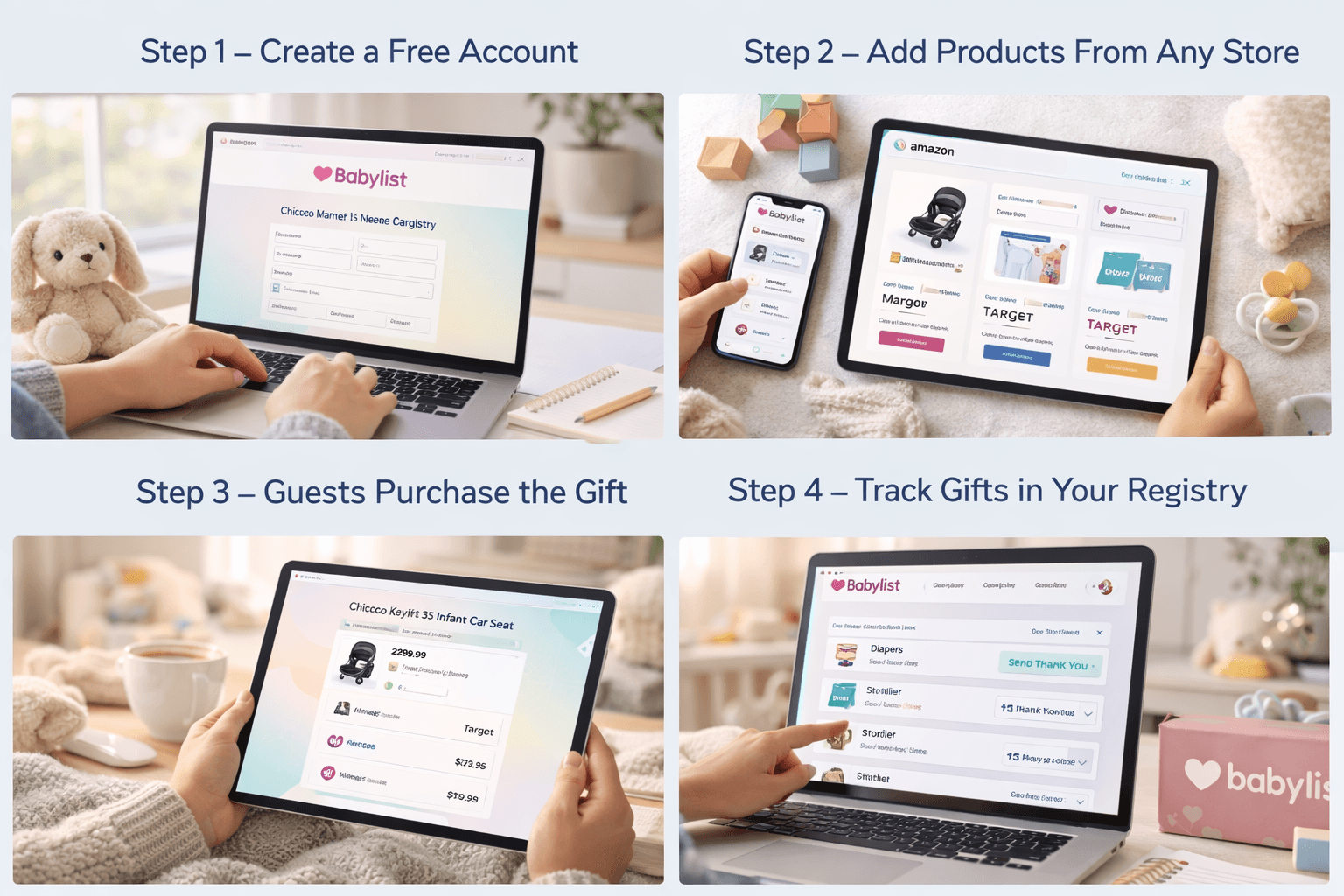
Create a Free Account
To start using Babylist, parents simply create a free account on the Babylist website or mobile app.
Create an account here:
https://www.babylist.com/
During the setup process, you’ll enter basic information such as:
- your name
- baby’s due date
- shipping address
- registry visibility preferences
Once the account is created, you’ll have access to your registry dashboard.
Add Products From Any Store
One of Babylist’s biggest advantages is its universal registry feature. Instead of being limited to one retailer, you can add products from nearly any online store.
Items can be added through:
- the Babylist browser extension
- the Babylist mobile app
- direct product search within Babylist
For example, you might add:
- a stroller from Amazon
- baby clothing from Target
- a handmade toy from Etsy
- a nursery item from a specialty boutique
All of these items appear together in your Babylist registry.
Guests Purchase the Gift
When someone views your registry, they can select an item and see purchasing options from multiple retailers.
Guests can choose where to buy the item based on factors like:
- price
- shipping speed
- store preference
Once the item is purchased, the guest marks it as bought so duplicates are avoided.
Track Gifts in Your Registry Dashboard
Babylist automatically keeps track of purchased gifts and helps parents monitor their registry progress.
The dashboard allows you to:
- see which items have been purchased
- send thank-you notes
- manage group gifts
- update items
This centralized dashboard makes gift tracking much easier than managing multiple registries across different retailers.
Key Features of Babylist
Babylist includes several features that make it stand out from traditional baby registries.
Universal Baby Registry
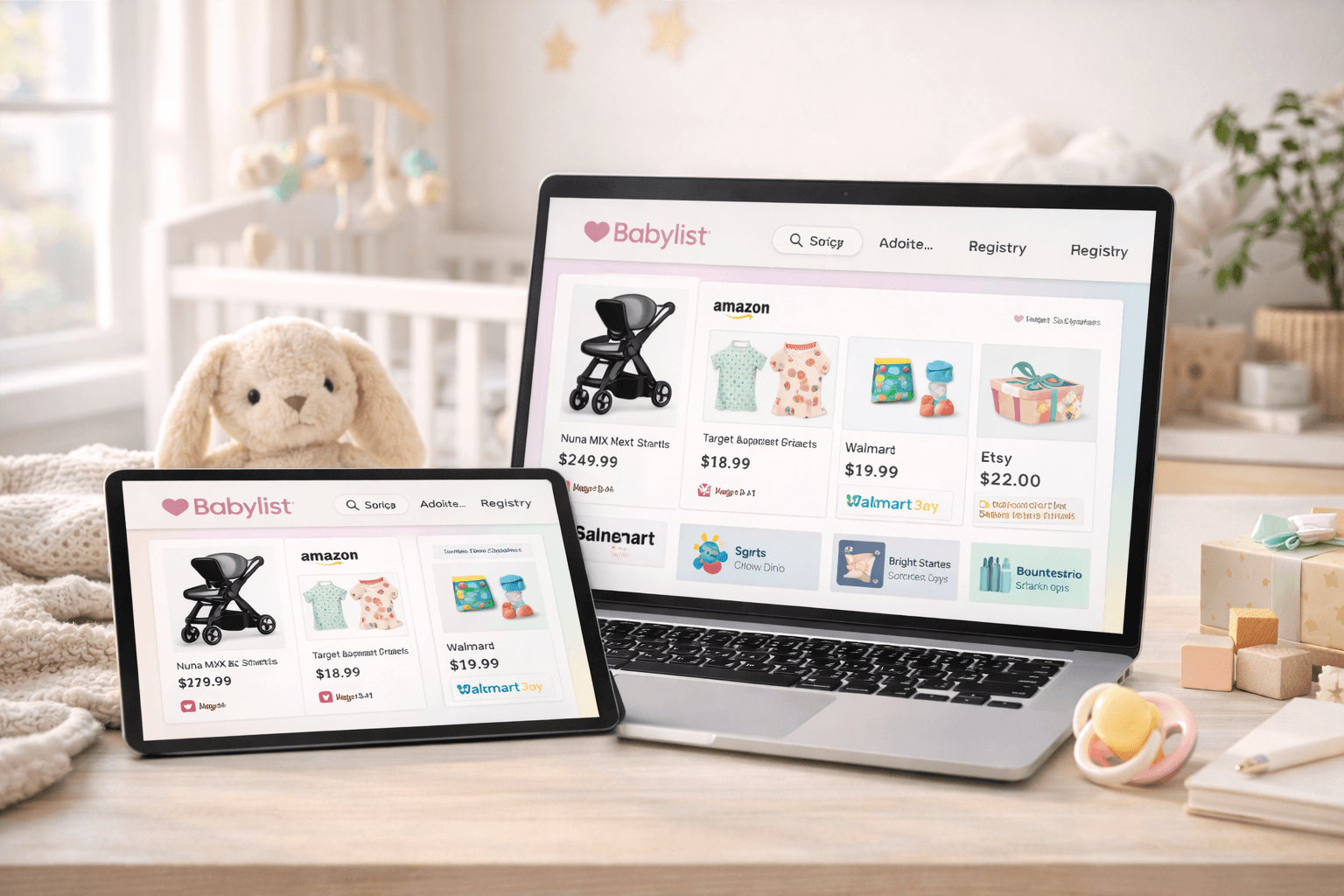
The universal registry is Babylist’s defining feature.
Instead of being restricted to one store, parents can add items from:
This allows you to include exactly the products you want, regardless of where they are sold.
Price Comparison Tool
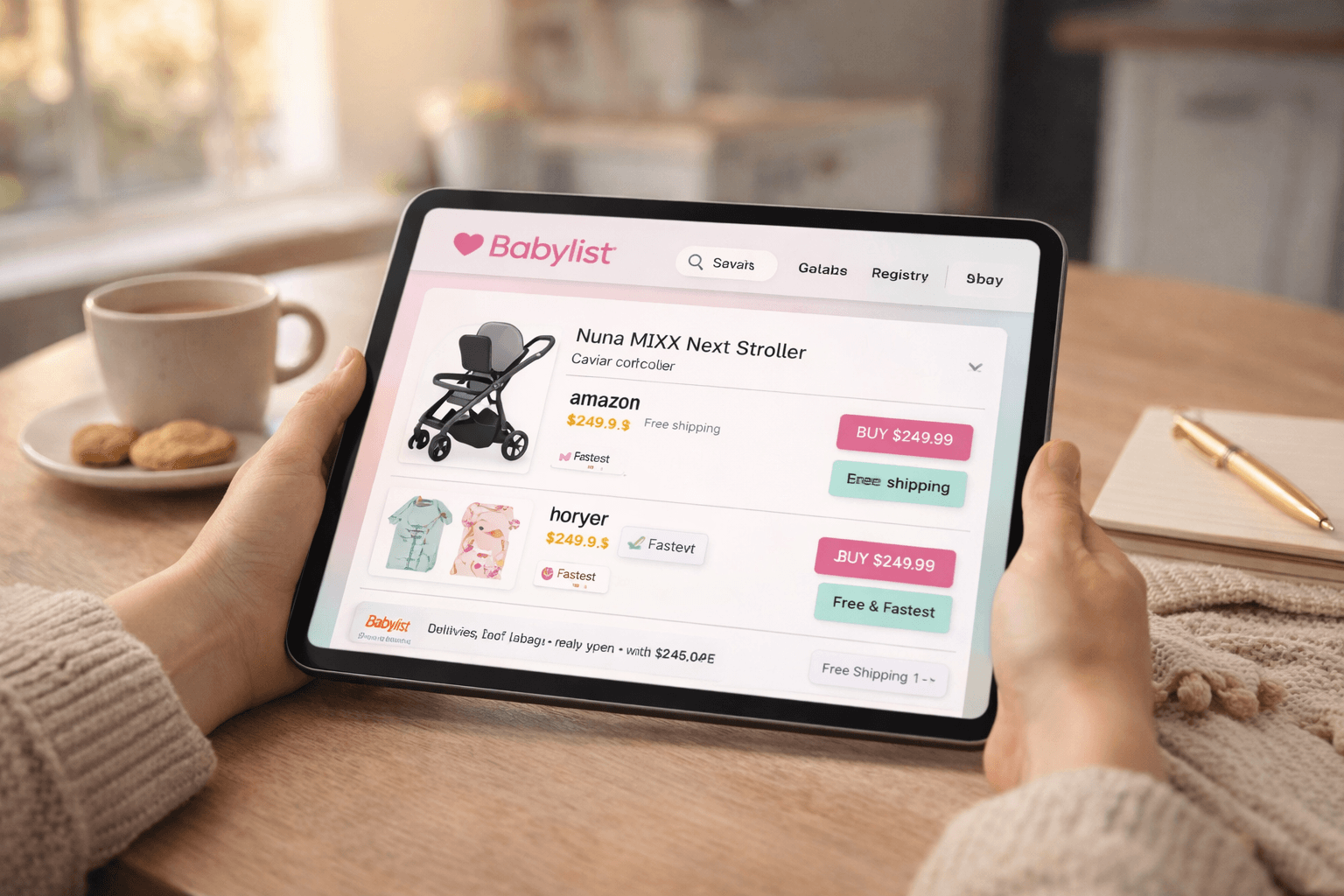
When guests click on an item in your registry, Babylist often displays multiple retailer options for purchasing the product.
This helps guests find:
- the lowest price
- fastest delivery
- preferred retailer
Price comparisons help maximize convenience for gift buyers.
Group Gifting
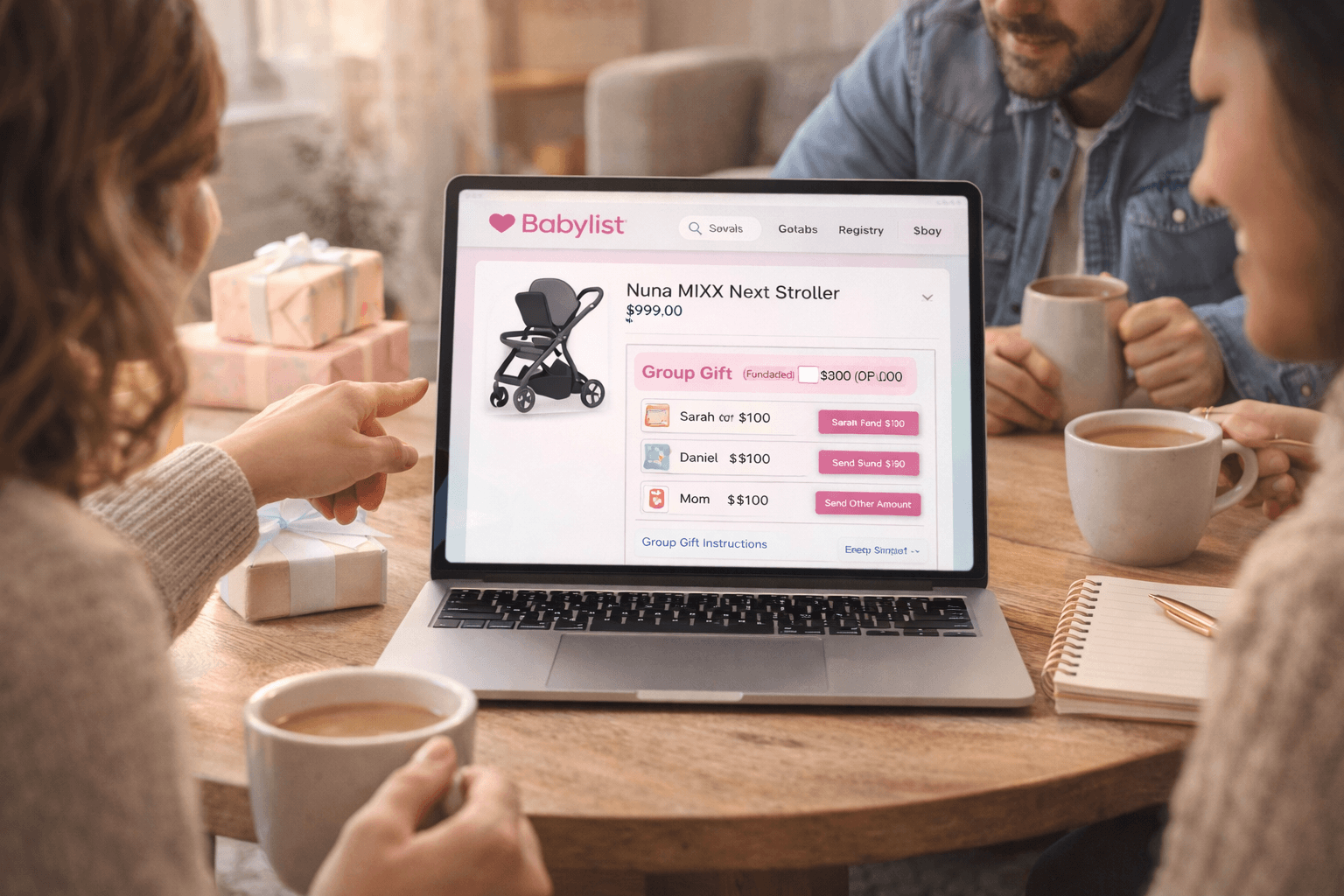
Some baby items can be expensive, such as:
- strollers
- car seats
- nursery furniture
- baby monitors
Babylist allows multiple people to contribute toward a single gift, making large items more accessible.
Cash Funds and Experiences
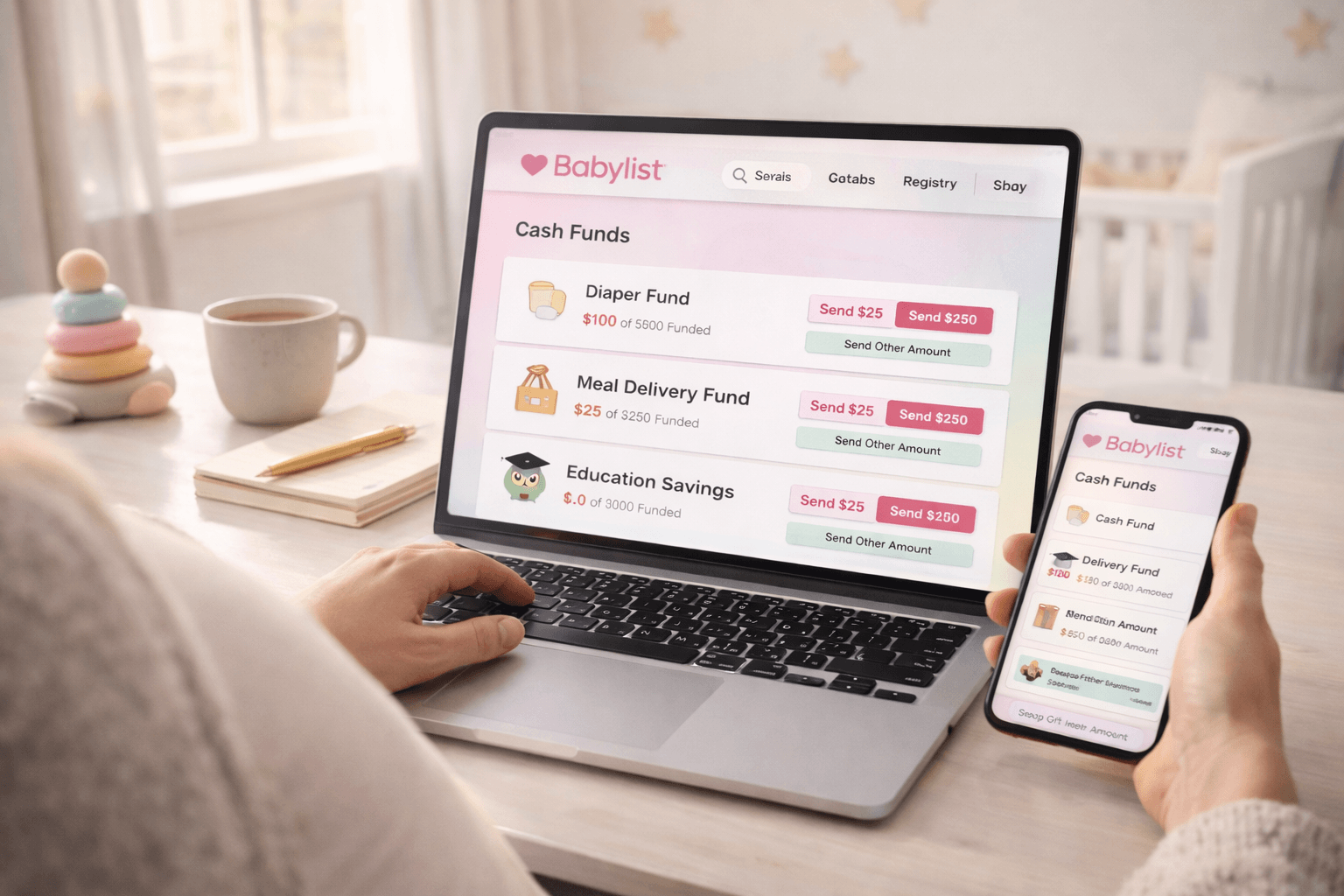
Babylist also supports cash funds for things like:
- diaper funds
- babysitting funds
- education savings
- meal delivery services
This feature is helpful for parents who already have many baby essentials.
Babylist Mobile App
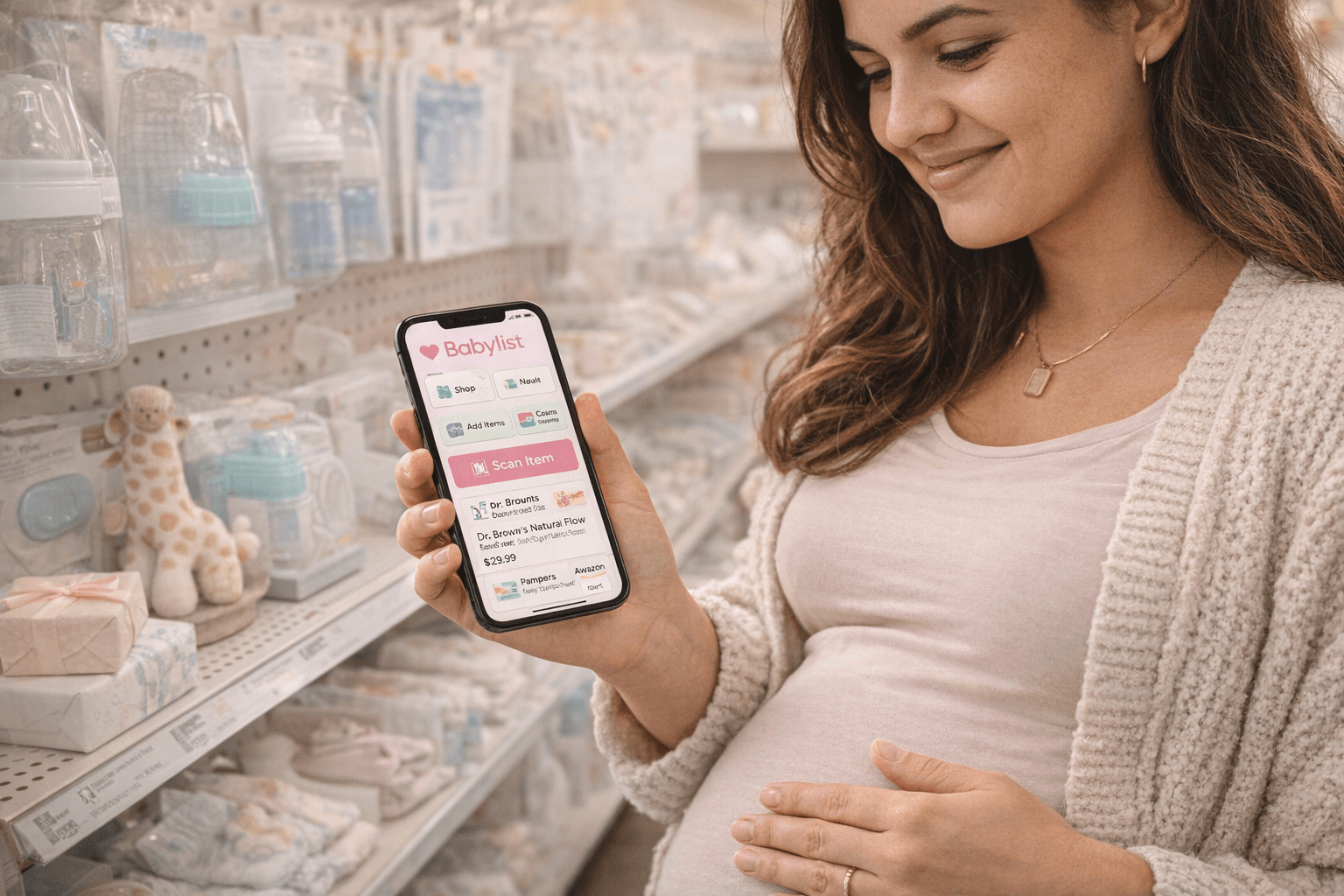
Babylist provides a mobile app for both iOS and Android devices.
You can download it here:
iOS
https://apps.apple.com/us/app/babylist-baby-registry/id718582092
Android
https://play.google.com/store/apps/details?hl=en&id=st.babyli.babylist&utm_source=chatgpt.com
The app allows parents to:
- add products while shopping
- scan items in stores
- manage the registry on the go
- track purchases easily
For many parents, the mobile app simplifies the entire registry process.
Babylist Hello Baby Box
One of the most popular perks of creating a Babylist registry is the Hello Baby Box.
Learn more about it here:
https://www.babylist.com/hello-baby/babylist-hello-baby-box
The Hello Baby Box is a welcome gift that contains samples and coupons from baby brands.
Common items found in the box include:
- baby bottles
- pacifiers
- diaper samples
- wipes
- coupons for baby products
- skincare samples
The box allows new parents to test different baby products before purchasing full-size versions.
To receive the Hello Baby Box, users typically need to:
- Create a Babylist registry
- Add several items to the registry
- Make a qualifying purchase
After these steps are completed, the box can be ordered through the Babylist website.
How to Create a Babylist Registry (Step-by-Step)
Setting up a Babylist registry takes only a few minutes.
Start here:
https://www.babylist.com/
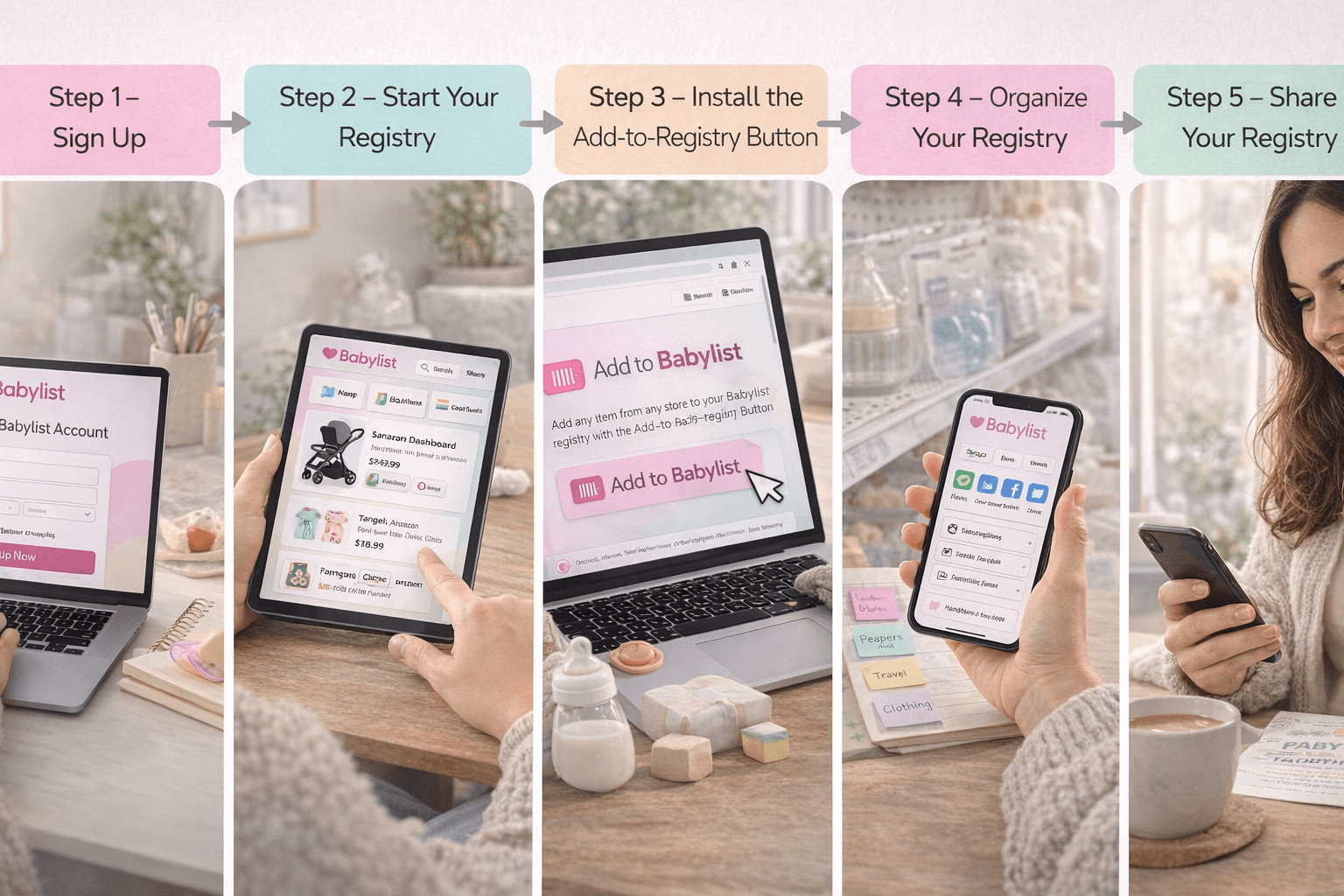
Step 1: Sign Up
Visit the Babylist website and create an account using your email or social login.
You’ll provide basic information including:
- your name
- baby’s due date
- shipping details
Step 2: Start Your Registry
Once logged in, you’ll access your registry dashboard.
From here you can:
- browse recommended products
- search items
- add products from external websites
Step 3: Install the Add-to-Registry Button
Babylist offers a browser extension that allows you to add products from almost any website.
Learn more about it here:
https://www.babylist.com/registry/new/add-button
When you see a product you like, simply click the Babylist button to add it to your registry.
Step 4: Organize Your Registry
You can categorize products by type, such as:
- feeding
- sleeping
- diapering
- travel
- clothing
This makes it easier for guests to browse the registry.
Step 5: Share Your Registry
After adding items, you can share your registry link with friends and family.
Many parents include the link on:
- baby shower invitations
- email announcements
- social media posts
Guests can then browse the registry and select gifts.
Is Babylist Worth It?
For many modern parents, Babylist is one of the best baby registry platforms available.
Its universal registry feature offers more flexibility than traditional store registries. Parents can add items from multiple retailers, compare prices, and organize everything in one place.
Babylist is particularly useful for parents who:
- shop across multiple online stores
- want group gifting options
- prefer digital registry management
- want a curated list of baby essentials
While some guests may still prefer traditional store registries, Babylist offers a modern and flexible solution for today’s families.
Final Thoughts

Creating a baby registry is one of the most exciting parts of preparing for a new baby, and Babylist makes the process simple and flexible. By allowing parents to add items from virtually any store, Babylist removes many of the limitations found in traditional registries.
With features like price comparisons, group gifting, and the Hello Baby Box welcome gift, the platform offers both convenience and value for expecting parents.
If you want a universal baby registry that works across multiple retailers, Babylist is a strong option worth considering. Setting up a registry takes only a few minutes, and it can help friends and family find the gifts you truly need as you prepare to welcome your baby.
Start building your registry here:
https://www.babylist.com/