

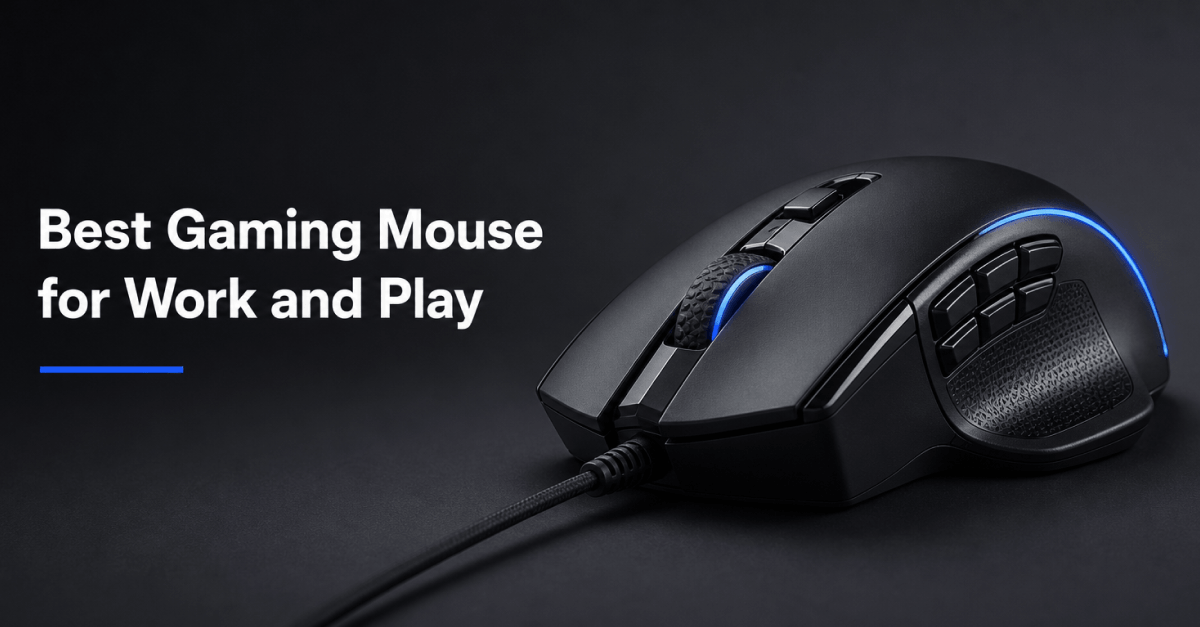
A gaming mouse isn’t just for gaming anymore. Many modern gaming mice offer features that can also improve productivity, including programmable buttons, adjustable sensitivity, ergonomic designs, and reliable wireless connectivity. For users who split their time between work tasks and gaming sessions, a versatile mouse can eliminate the need for separate devices.
The ideal gaming mouse should feel comfortable during long workdays while remaining responsive enough for gaming. Whether you’re editing documents, navigating spreadsheets, creating content, or playing competitive games after hours, the following options provide a balance of performance and practicality.
Quick Recommendations
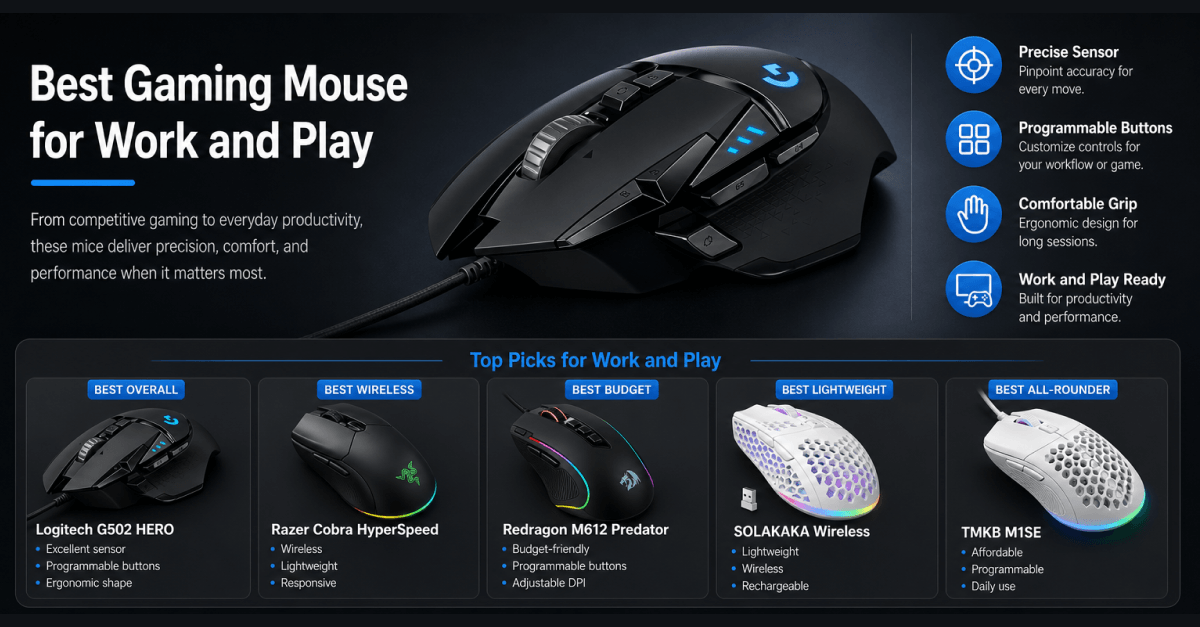
| Category | Product |
| Best Overall | Logitech G502 HERO |
| Best Wireless Pick | Razer Cobra HyperSpeed Wireless |
| Best Budget Gaming Mouse | Redragon M612 Predator |
| Best Lightweight Mouse | SOLAKAKA Wireless Gaming Mouse |
| Best Affordable All-Rounder | TMKB M1SE |
Logitech G502 HERO
What We Like
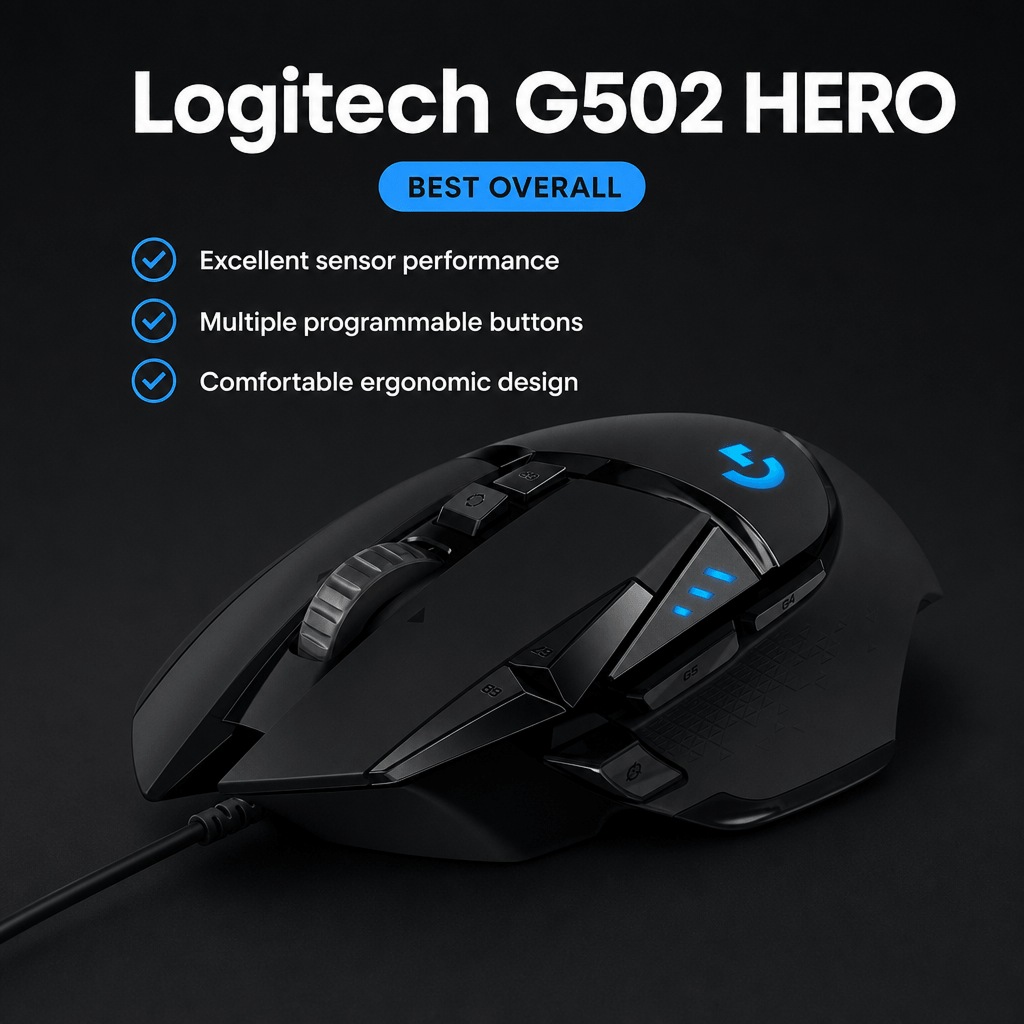
The Logitech G502 HERO remains one of the most popular gaming mice because it combines precision, customization, and comfort. Its ergonomic shape works well for extended sessions, whether you’re working on projects during the day or gaming at night.
The customizable buttons are particularly useful for productivity tasks. Users can assign shortcuts for software, browser functions, or repetitive actions while maintaining access to gaming-specific controls.
Pros
- Excellent sensor performance
- Multiple programmable buttons
- Comfortable ergonomic design
- Strong software customization
Cons
- Heavier than some competitors
- Wired design may not appeal to all users
Best For
Users seeking a dependable mouse that excels at both work and gaming.
Amazon Product Link: https://www.amazon.com/dp/B07GBZ4Q68
Razer Cobra HyperSpeed Wireless

What We Like
The Razer Cobra HyperSpeed Wireless offers the freedom of wireless connectivity without sacrificing responsiveness. It is lightweight, comfortable, and designed for users who value flexibility and a clutter-free workspace.
Its wireless performance makes it suitable for both professional and gaming environments, while the compact design helps reduce fatigue during extended use.
Pros
- Wireless convenience
- Lightweight construction
- Responsive tracking
- Compact and comfortable design
Cons
- Higher price than wired alternatives
- Fewer buttons than productivity-focused mice
Best For
Users who prefer a wireless setup for work and gaming.
Amazon Product Link: https://www.amazon.com/Razer-Cobra-HyperSpeed-Wireless-Gaming/dp/B0FD5DP9CC
Redragon M612 Predator
What We Like
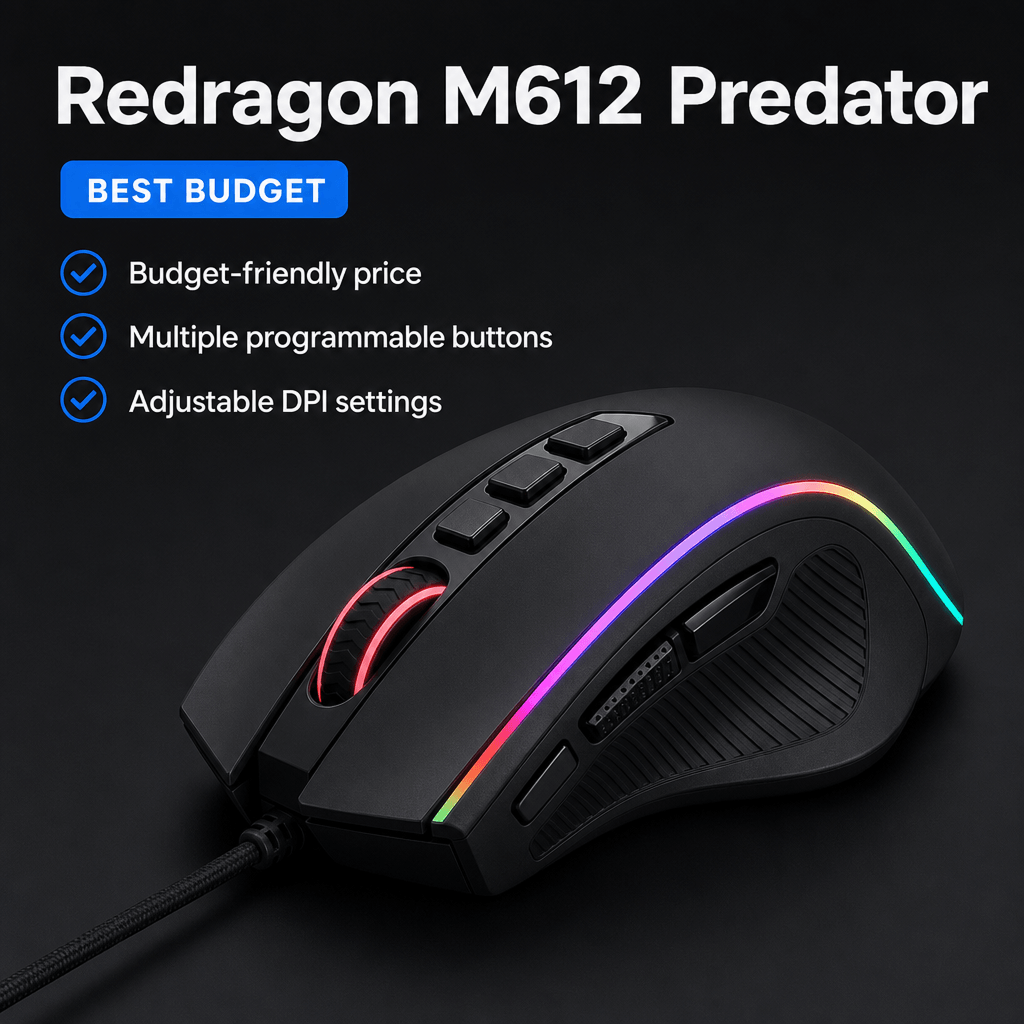
The Redragon M612 Predator delivers a surprising amount of functionality at an affordable price. It includes programmable buttons, adjustable sensitivity settings, and a comfortable design that works well for general computing tasks.
For buyers who want gaming-oriented features without spending significantly more, it represents a practical entry point into the category.
Pros
- Budget-friendly pricing
- Multiple programmable buttons
- Adjustable DPI settings
- Comfortable grip
Cons
- Software is less refined than premium brands
- Build quality isn’t as premium as higher-priced options
Best For
Budget-conscious users seeking gaming features and productivity support.
Amazon Product Link: https://www.amazon.com/dp/B08SJ5Z8JL
SOLAKAKA Wireless Gaming Mouse

What We Like
The SOLAKAKA Wireless Gaming Mouse emphasizes portability and flexibility. Its lightweight honeycomb-style design reduces overall weight while maintaining everyday usability.
The wireless connectivity options make it suitable for users who move between devices or workspaces and want a versatile mouse that can adapt to different setups.
Pros
- Lightweight design
- Wireless connectivity
- Rechargeable battery
- Flexible usage options
Cons
- Lesser-known brand
- Long-term durability may vary
Best For
Users who prioritize portability and lightweight performance.
Amazon Product Link: https://www.amazon.com/dp/B0BYJ7N7LX
TMKB M1SE
What We Like
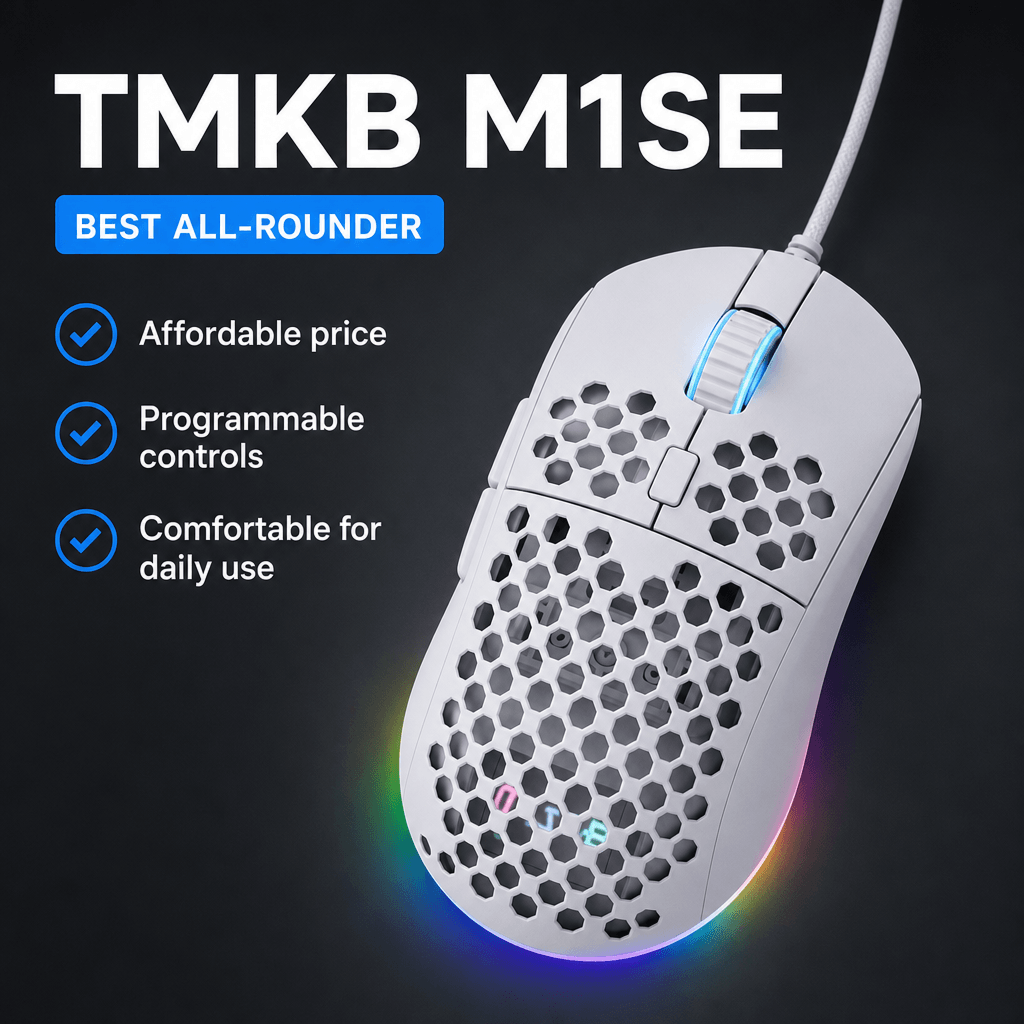
The TMKB M1SE provides a balanced mix of gaming features and affordability. It offers programmable controls, customizable settings, and enough precision for both casual gaming and everyday office work.
Its straightforward design makes it approachable for users who want a gaming mouse without an overly aggressive appearance.
Pros
- Affordable pricing
- Programmable controls
- Comfortable design
- Suitable for daily use
Cons
- Limited brand recognition
- Fewer advanced features than premium models
Best For
Users looking for an affordable all-purpose mouse.
Amazon Product Link: https://www.amazon.com/dp/B0BGKBT1JG
What to Consider Before Buying a Gaming Mouse
Comfort
If you spend several hours using a mouse each day, comfort should be one of the primary considerations. Ergonomic designs can help reduce hand fatigue during long work sessions.
Wired vs Wireless
Wireless mice offer greater freedom of movement and a cleaner workspace. Wired mice eliminate battery concerns and are often more affordable.
Programmable Buttons
Extra buttons can improve productivity by allowing users to create shortcuts for frequently used commands and applications.
Sensor Performance
A reliable sensor contributes to accurate tracking for both gaming and everyday tasks. Higher sensitivity settings can also be useful when working across multiple monitors.
Weight
Some users prefer lightweight mice for faster movement, while others prefer heavier designs that provide a more stable feel.
Final Thoughts
The best gaming mouse for work and play depends on how you use your computer throughout the day. The Logitech G502 HERO remains the strongest overall recommendation because of its versatility, customization options, and proven performance. Users seeking a wireless solution may prefer the Razer Cobra HyperSpeed Wireless, while budget-conscious buyers can find excellent value in the Redragon M612 Predator.
Whether your priority is productivity, gaming, or a combination of both, choosing a mouse that feels comfortable and supports your workflow will have a greater impact than focusing solely on specifications.